
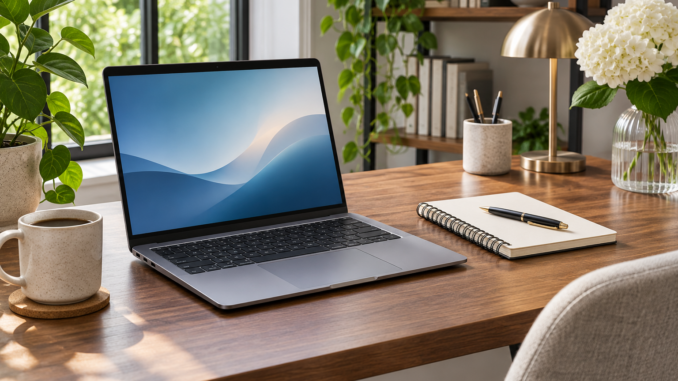
A useful laptop setup begins with the work you actually do. Writing, joining calls, organising photographs and running specialist software place different demands on the same machine. A clear description of those tasks is more useful than a long list of impressive specifications.
List your three most frequent activities and the situations in which you perform them. Note whether you work at a desk, move between rooms or travel. Screen size and the number of accessories you carry may matter as much as computing performance.
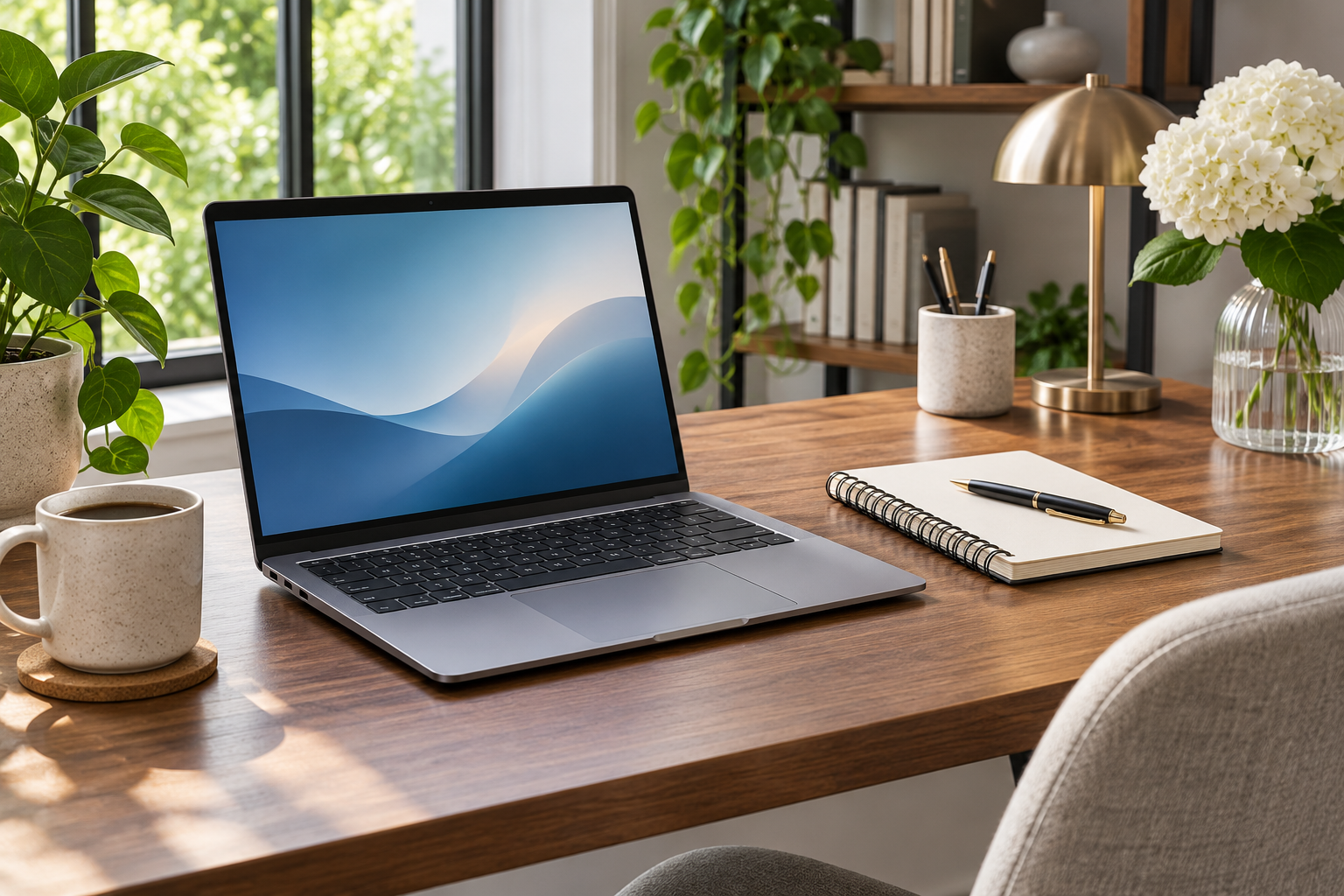
Arrange the workspace before adding equipment. Keep frequently used items within comfortable reach, reduce distracting reflections and leave space for the laptop’s ventilation openings. Follow the manufacturer’s guidance for its intended operating conditions.
Try the setup through a complete working session. Notice repeated inconveniences: an awkward cable, a missing port or a screen you constantly reposition. Address the problem you can describe rather than buying accessories because they look useful in someone else’s workspace.
Revisit the arrangement when your tasks change. The best setup is a practical fit for your day, with a manageable number of components and a clear reason for each one.